NEW RELEASEVCB 1.18.13
The latest VCB is ready for the road.
Get the current complete Windows installer with VCB Companion, the ATS radio plugin, and the verified updater.
View the release
VCB brings real CB-style communication to American Truck Simulator with proximity radio, live convoy tools, customizable overlays, and a Companion built for the road.
Windows 10 or 11 · Current release 1.18.13 · Core radio is freeFEATURED AT VCB
Your quick stop for the newest public build, recent improvements, and features worth trying on your next haul.
Get the current complete Windows installer with VCB Companion, the ATS radio plugin, and the verified updater.
View the releaseLive map activity and expanded leaderboards make current drivers, validated miles, deliveries, weight, and drive time easier to follow.
Explore the leaderboardsAdd server population, occupied-channel views, network statistics, and private driver search to your community.
Add VCB MonitorVCB TODAY
Follow the community between hauls, explore current activity, and give your Discord server a live view of VCB without exposing private driver data.
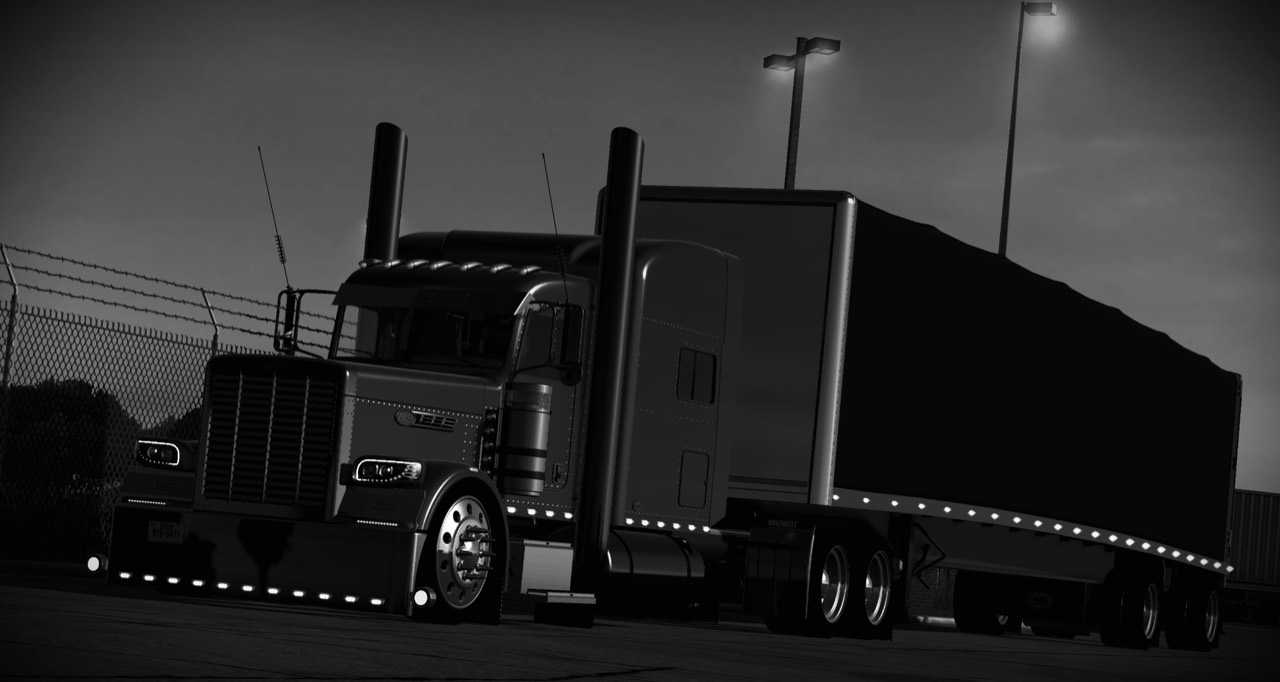
THE STORY BETWEEN STOPS
The destination matters. So do the fuel stops, the wrong turns, the mountain pulls, and the voices still on the radio after dark.
THE VCB EXPERIENCE
VCB keeps the radio useful without taking you out of the drive. The people around you sound present, the convoy knows the plan, and the road has its own rhythm.
Nearby drivers come through the radio as you meet, pass, and run together. Distance gives every conversation a sense of place.
Share the route, departure, cargo, pace, and radio channel so every driver knows what the group is doing next.
The best hauls are the ones with stories—missed turns, mountain pulls, fuel stops, and the voices that were there for them.
BUILT AROUND THE DRIVE
Push to talk, proximity audio, convoy notifications, live channel controls, flexible hotkeys, media displays, and polished overlays work together while you focus on trucking.
GET ON THE AIR
VCB is an independent Windows add-on. You’ll need your own copy of American Truck Simulator and access to a supported Convoy.
Install VCB 1.18.13 using the official Windows package.
Choose your audio devices, push-to-talk control, and in-game placement in VCB Companion.
Match channels, key up, and make the next haul feel like a convoy.
DRIVER SUPPORT
Setup question? Need a hand with your radio?
Email rowdy152@gmail.com
or reach the VCB community through Discord.
VCB STORE
Core radio functionality remains free.
Paid faceplates are cosmetic.
VCB faceplates are digital cosmetic content for compatible VCB software on Windows. They are not physical radios and do not include American Truck Simulator. Purchases begin inside VCB Companion so the signed unlock is attached to the correct Steam-verified account and device.
Each paid faceplate supports up to two active PCs. Reinstall and recovery access remain tied to the verified purchase.
For checkout, activation, reinstall, or second-PC assistance, email rowdy152@gmail.com or contact VCB through Discord.
Never post activation codes, account details, or payment information in public channels. Open the VCB Discord .
This informational site has no checkout, account registration, advertising trackers, or contact form. We have not added analytics or marketing cookies. Hosting services may process technical request information to deliver and secure the site. If you email support, your email address and message are used to respond to your request. Do not send passwords, activation codes, or card details.
Discord opens as an external service with its own privacy practices. The VCB application processes voice and connection information separately; see the included VCB privacy statement .